Preview Data and Test options
You can preview table data and test options at the top of the canvas:

-
View Data: This lets you preview the data on which you want to create a service. You can preview data from your local system and get shown data from other systems via an RFC connection.
When you check Show Descriptive Headers, SAP technical column names are replaced with business-friendly labels.
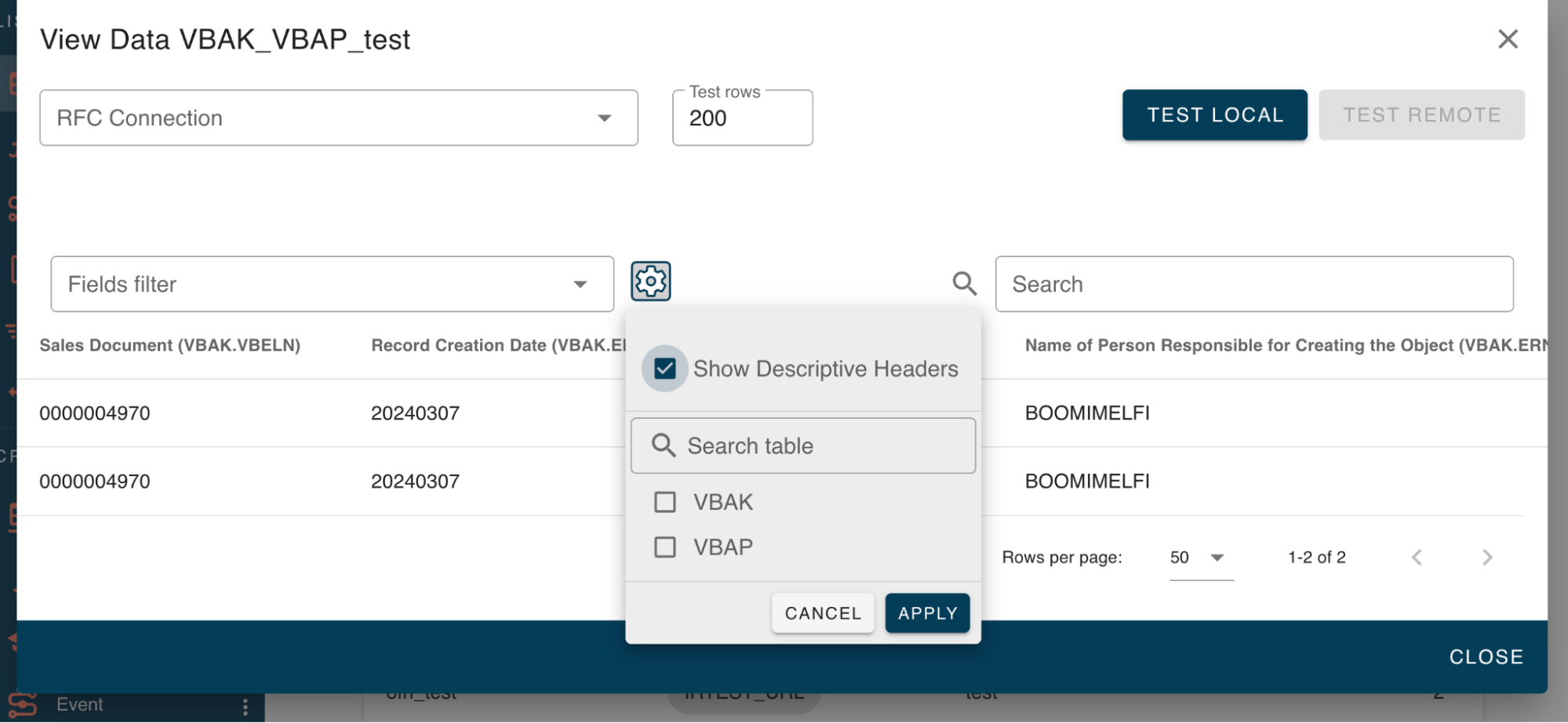
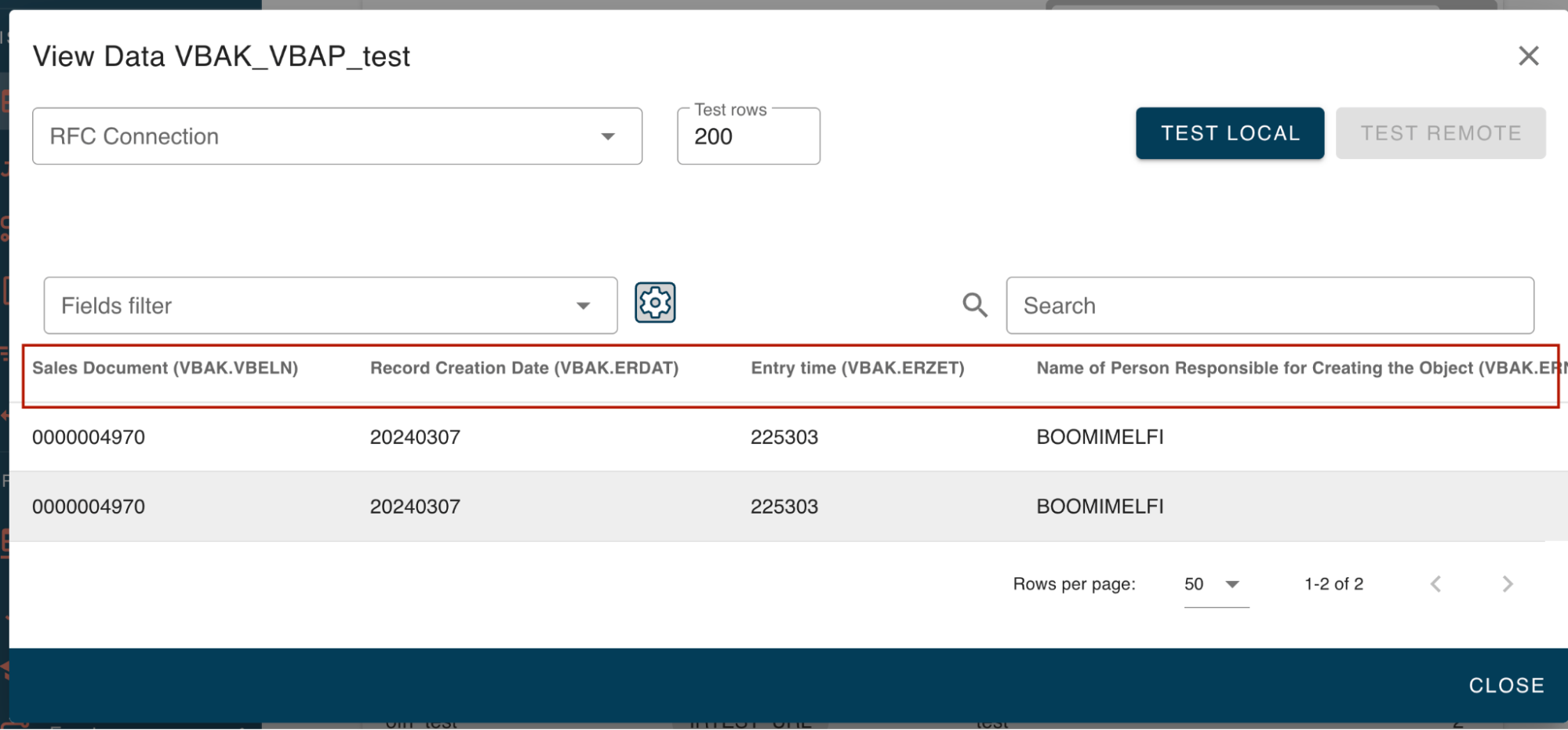
- View Data Configuration: When using this option, you can select data from remote systems via RFC connections and set them up.
The following transactions show you how to set up a connection to a remote SAP system:
-
Create an ABAP Connection in SM59 to a remote system.
-
/n/ixbx/ZBX014- Set up the data system to allow it to call. -
/n/ixbx/ZBX015- The calling system sets which RFC connection it can call.
- Test Service: This lets you test your service before and after creation and determine whether the join you have made is possible.
Configure Service: Use this option to configure a service and create a single-table service.